Hello,
I’m having trouble getting my analysis to run properly and would appreciate your help.
I’m trying to observe the behavior of two components bolted together when a forced displacement is applied, but I’m not getting the expected results.
I applied prestress to the bolt following a method I saw on YouTube.
To better reproduce the actual behavior of a bolted joint, I would also like to include friction between the bolt and the base material to simulate slipping at the contact surface.
Could you please advise me on how to set this up correctly?
In the first step you set max increments to 1, the solver might be unable to complete this step (especially with Nlgeom which should be used carefully and often disabled for debugging). Max increments should be a large number (possibly more than the default 100).
In the second step you use direct incrementation enforcing 1 increment again. Direct incrementation is not recommended in most cases.
In the second step you should switch preload to Displacement and set it to Fixed (to freeze the preload in the actual loading step). This is shown here: https://www.youtube.com/watch?v=ZSDf1bNXo8g
Sometimes you may need to replace force preload with equivalent displacement preload in the first step to help it converge.
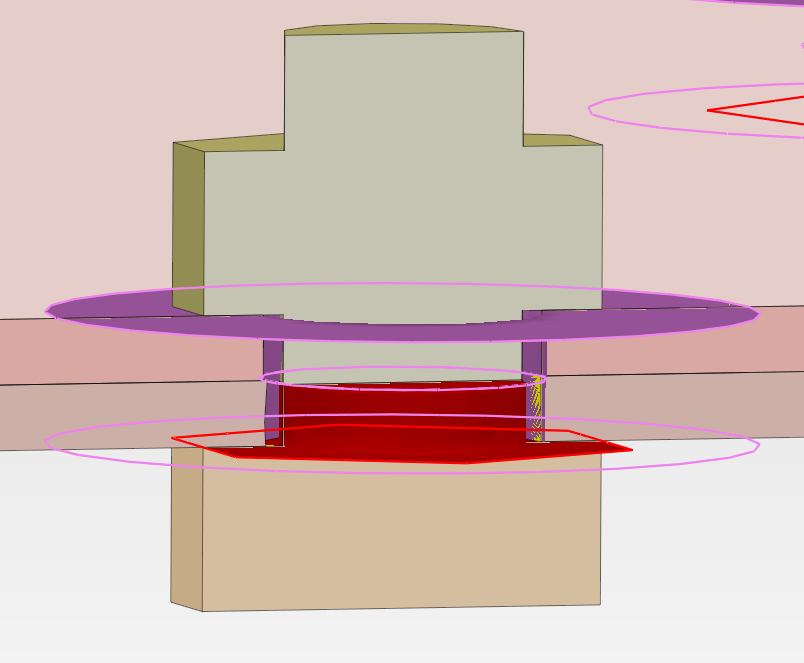
Contact pair for the bolts should be defined differently. You have this:
If you right-click on Contact Pairs and select Search Contact Pairs (then make sure Type is Contact, not Tie), you can click Search and the tool will automatically define the right contact pairs for you. Check them to make sure they are correct (no duplicates or missing pairs), but this tool is the best way in such cases.